

FAN-MADE STORE GUIDE

Supermarket Simulator

Stock the shelves, set your prices, and build a store that keeps growing. Find practical guides to layouts, staff, deliveries, security, and co-op.

  • Launched Jun 19, 2025
  • Windows & macOS
  • Solo & Online Co-op
  • 20 Game Languages
Start the Beginner Guide
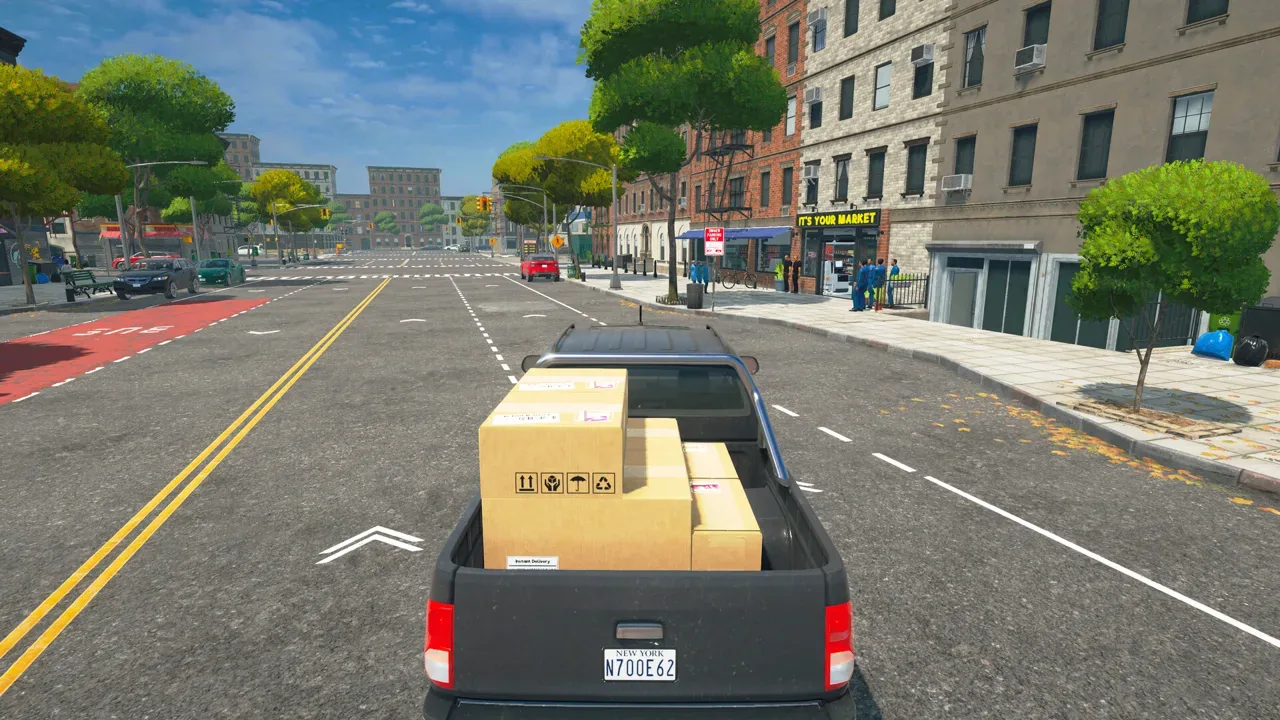
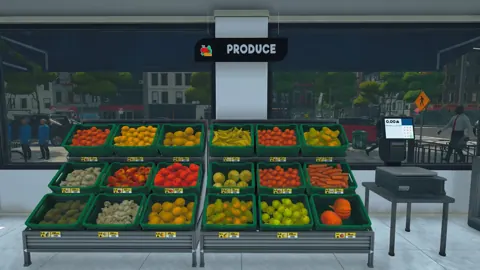
Supermarket Simulator gameplay screenshot
Image: Steam / Nokta Games

Latest guides

Supermarket Simulator Bakery: DLC Features and Tips
DLC

Supermarket Simulator Bakery: DLC Features and Tips

Explore the Supermarket Simulator bakery DLC, including its 15 products, ovens, baker settings, price, and patch fixes. Plan your store's next expansion.

Supermarket Simulator How To Change Price: Pricing Guide
Economy

Supermarket Simulator How To Change Price: Pricing Guide

Supermarket Simulator how to change price: edit shelf tags, use the Pricing App and bulk tools, and adjust prices to protect profit as market values shift.

Supermarket Simulator Tips and Tricks for Beginners
Guide

Supermarket Simulator Tips and Tricks for Beginners

Supermarket Simulator tips and tricks to manage stock, set prices, hire staff, use couriers, and grow your store without draining your cash. Start smarter.

Supermarket Simulator Can't Place Vending Machine: Fix
Layout

Supermarket Simulator Can't Place Vending Machine: Fix

Supermarket Simulator can't place vending machine? Learn where machines can go, why indoor placement fails, and how to separate placement from co-op bugs.

Supermarket Simulator Store Layout: Shelves and Flow
Layout

Supermarket Simulator Store Layout: Shelves and Flow

Build a better Supermarket Simulator store layout with aligned shelves, clear checkout space, organized storage, and room for products as your shop grows.

Supermarket Simulator Vending Machine Items List: All 27
Layout

Supermarket Simulator Vending Machine Items List: All 27

Supermarket Simulator vending machine items list with all 27 compatible products, license levels, box sizes, and city placement tips for easier restocking.

Your First Days in Supermarket Simulator

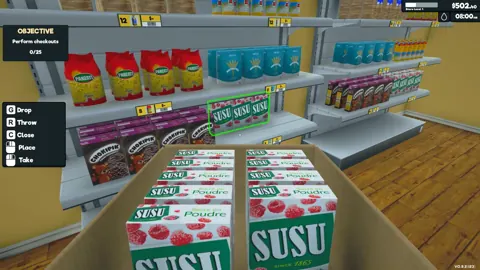
  1. Your first days as a store owner: order products on the in-game computer, unpack boxes in the storage room, stock shelves, fridges and freezers, and keep the checkout line moving with cash and card payments.
  2. Market prices change in real time. Buy when prices dip, set selling prices that keep customers happy and margins healthy, and shop at local markets around town to skip delivery fees.
  3. Choose where every product goes, plan your aisles for smooth shopping, then put your profits into more floor space, interior upgrades, new floors, wall paint and category signs.
  4. Hire staff to share the work, protect your stock with cameras, alarm sensors and security guards, and invite up to four friends to run the store together in real time.

What is Supermarket Simulator?

Supermarket Simulator is a chill first-person simulation from Nokta Games where you run a supermarket hands-on. You design the layout, order and unpack stock, scan items at the register, and handle cash and credit card payments yourself.

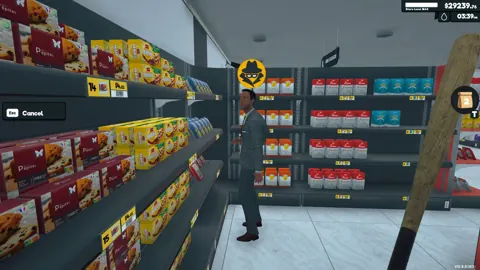
As the store grows, you balance profit against customer satisfaction in a live market, expand and decorate the shop, pack and deliver online orders, keep the floors and windows clean, and deal with shoplifters. You can do all of it solo or with up to four friends in online co-op.

Developer
Nokta Games
Publisher
Nokta Games
Platform
Steam — Windows / macOS
Genre
First-Person Store Management Sim
Release Date
Jun 19, 2025

Explore the game

Supermarket Simulator Beginner Guide

New store owner? This is the main daily loop that turns a small corner shop into a busy supermarket. Get these steps right in the first few days and your profits will keep growing.

  1. 1

    Order your first stock from the in-game computer. Match it to the shelves, fridges and freezers you already own.

  2. 2

    Unpack the delivered boxes, sort them in your storage room, then fill each product's shelf slot on the shop floor.

  3. 3

    Set a selling price for every product. Price too low and you lose margin. Price too high and customers get unhappy.

  4. 4

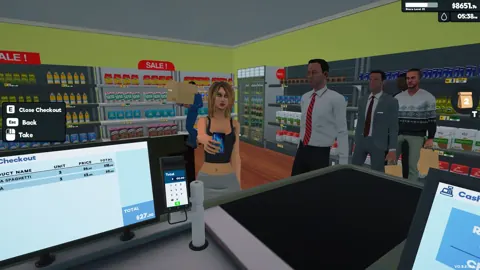
    Work the checkout yourself: scan every item, then take cash or card payments and give the right change.

  5. 5

    Keep the store clean. Mop the floors, take out the trash and polish the windows so customers enjoy their visit.

  6. 6

    Put your profits back into the shop: more floor space, better interiors and staff to share the workload.

Read the full guide

Supermarket Simulator Pricing & Market Guide

Product prices change in real time, so when you buy matters as much as what you charge. Buy cheap, sell at a fair price and use the local markets to grow your margins.

Market

Product costs go up and down in real time. Stock up when prices drop to make more on every sale.

Price

You set the selling price for every item. Balance profit against customer satisfaction so shoppers keep coming back.

Online

Order goods from the computer in your store and have them delivered. It's easy, but you pay delivery fees.

Local

Drive to the local markets around town for deals and discounts, with no delivery fees to pay.

Read the full guide

Supermarket Simulator Co-op Multiplayer

You can run one supermarket with up to four friends in real-time co-op. Split the jobs between you and the store grows much faster than it would solo.

Team

Play with up to four friends in the same store, all working at once in real time.

Floor

Share the core jobs: stocking shelves, serving customers at checkout and setting prices.

Orders

One player packs and delivers online orders while the others keep the store running.

Trucks

Drive trucks, handle deliveries, clean up and expand the market together.

Read the full guide

Supermarket Simulator Online Orders & Delivery

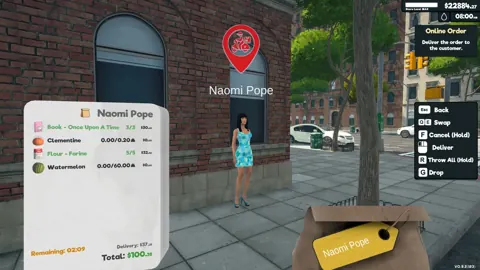
Some customers never walk into your store. They order online, and you pack the order and deliver it to them yourself. It's an extra source of income on top of your walk-in sales.

  1. 1

    Watch for new online orders coming in from customers around town.

  2. 2

    Pick the ordered items from your stock and pack them up.

  3. 3

    Load the package and deliver it to the customer yourself.

  4. 4

    Get back to the store and restock so walk-in shoppers don't find empty shelves.

Read the full guide

Supermarket Simulator Store Expansion & Staff

Once the money comes in, spend it on space, interiors and people. Expanding and hiring staff are how a small shop becomes a retail powerhouse.

Space

Expand the building to fit more aisles, more product lines and more customers.

Interior

Upgrade the interior as your store grows and customer demand changes.

Staff

Hire staff to take over daily jobs so you can focus on growing the business.

Display

Add more shelves, fridges and freezers to stock chilled and frozen goods next to dry products.

Read the full guide

Supermarket Simulator Shoplifters & Security

Not everyone who walks in plans to pay. Protect your stock and profits with security tools and guards.

Cameras

Put up security cameras to keep watch over your aisles.

Alarms

Install alarm sensors to catch customers leaving with unpaid goods.

Guards

Hire security guards to stop shoplifters for you.

Hands-on

Deal with shoplifters yourself before your stock walks out the door.

Read the full guide

Supermarket Simulator Store Layout & Customization

Design a store that looks good and runs smoothly. Where you put each product and how you lay out the aisles affects how easily customers can shop.

Layout

Decide where every product goes and plan your aisles so customers move through the store easily.

Floors

Change the flooring to match your store's style.

Walls

Paint the walls to give your supermarket its own look.

Signs

Put up category signs so shoppers can quickly find what they came for.

Read the full guide

Supermarket Simulator System Requirements

The full release came out on June 19, 2025, from Nokta Games, for Windows and Mac. Here's what your PC needs to run it, plus the languages the game supports.

Minimum

Windows 10 64-bit, i5 3550 / Ryzen 5 2500X, 8 GB RAM, NVIDIA GTX 1050 / AMD R9 270X, DirectX 11, 5 GB storage.

Recommended

Windows 10 64-bit, i5 7600K / Ryzen 5 2600X, 16 GB RAM, NVIDIA GTX 2070 / AMD 5700 XT, DirectX 11, 5 GB storage.

Platforms

Available on Steam for Windows and Mac.

Languages

20 languages, including English, French, German, Spanish, Simplified Chinese, Japanese, Korean, Russian, Portuguese (Brazil and Portugal), Turkish and Polish.

Frequently asked questions

What is Supermarket Simulator?

Supermarket Simulator is a first-person store management game by Nokta Games. Stock shelves, set prices, work the checkout, and expand your shop.

Can you play Supermarket Simulator with friends?

The Steam edition supports online co-op with up to four friends, so you can share stocking, checkout, cleaning, and other store jobs.

Which computers support Supermarket Simulator?

The Steam edition is available for Windows and macOS. Check the system requirements for your operating system before buying.

What can employees do in Supermarket Simulator?

Employees can help with checkout, restocking, cleaning, security, and deliveries. Hire for the task that most often interrupts your store routine.

Ready to Master Supermarket Simulator?

Put your next store upgrade into action with a clear plan for stocking, pricing, and daily routines.