Supermarket Simulator Vending Machine Items List: All 27
Supermarket Simulator vending machine items list with all 27 compatible products, license levels, box sizes, and city placement tips for easier restocking.
Jump to
All 27 Vending Machine Items
Use this Supermarket Simulator vending machine items list to plan your restocking runs around all 27 compatible products in V1.2.7(179). Matching the exact brand and package helps you buy stock your machines can sell. The lineup covers bottled water, juice, soda, beer, cakes, candy, chocolate bars, chips, and yogurt.
The table follows product license order so you can find compatible items alongside their store level requirements. Items per box describes the stock you purchase; it is not a vending machine capacity figure.
| Product | Product license | Required store level | Items per box |
|---|---|---|---|
| Bottled Water - Aoette | 1 | 3 | 16 |
| Bio Juice - Orange Juice | 3 | 9 | 16 |
| Soda - Cola | 3 | 9 | 24 |
| Soda - Zap | 3 | 9 | 24 |
| Bio Juice - Apple Juice | 3 | 9 | 16 |
| Soda - Turko | 3 | 9 | 24 |
| Cake - Bon Papa | 4 | 9 | 15 |
| Candy - Bonbek | 4 | 9 | 12 |
| Chocolate Bar - Chocotte | 4 | 9 | 12 |
| Yoghurt - Frügen | 4 | 9 | 30 |
| Bottled Water - Montcuq | 9 | 16 | 16 |
| Beer Blonde Ale - Fess | 13 | 30 | 15 |
| Beer Lager - Teochew | 13 | 30 | 15 |
| Chips - Covidos | 13 | 30 | 16 |
| Chips - Chipos | 14 | 30 | 16 |
| Soda - Justsistu | 17 | 42 | 24 |
| Soda - Kouje | 17 | 42 | 24 |
| Soda - Pulp | 17 | 42 | 24 |
| Soda - Ropico | 17 | 42 | 24 |
| Beer Blonde Ale - BK | 19 | 56 | 15 |
| Yoghurt - Madone | 20 | 56 | 30 |
| Cake - Gerbe | 25 | 81 | 15 |
| Chips - Vin's | 25 | 81 | 16 |
| Bottled Water - Fort-Lacs | 25 | 81 | 16 |
| Cake - St Michmich | 28 | 81 | 15 |
| Chocolate Bar - Denorme | 28 | 81 | 12 |
| Yoghurt - Yowp | 28 | 81 | 30 |
Pay attention to package names when buying drinks. Beer Blonde Ale - Fess is marked compatible, while its six-pack and keg entries are separate products. The Cola and Zap soda six-packs are also separate from the compatible soda entries above.
Official page: Supermarket Simulator (supermarketsimulator.com)
Find Compatible Stock With the Vending Filter
Use the computer’s category filter to narrow your shopping screen to vending products:
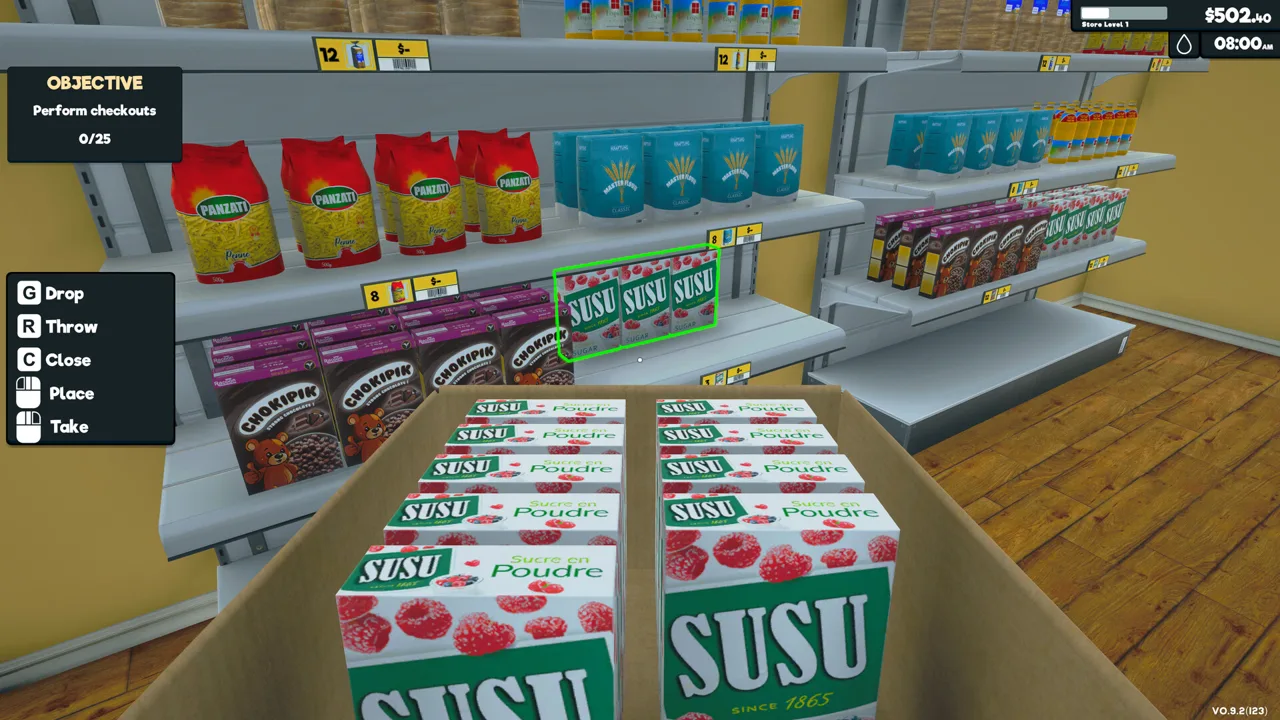 Image: Steam / Nokta Games
- Open the in-game computer.
- Enter Market Place.
- Open the Category dropdown.
- Select Vending.
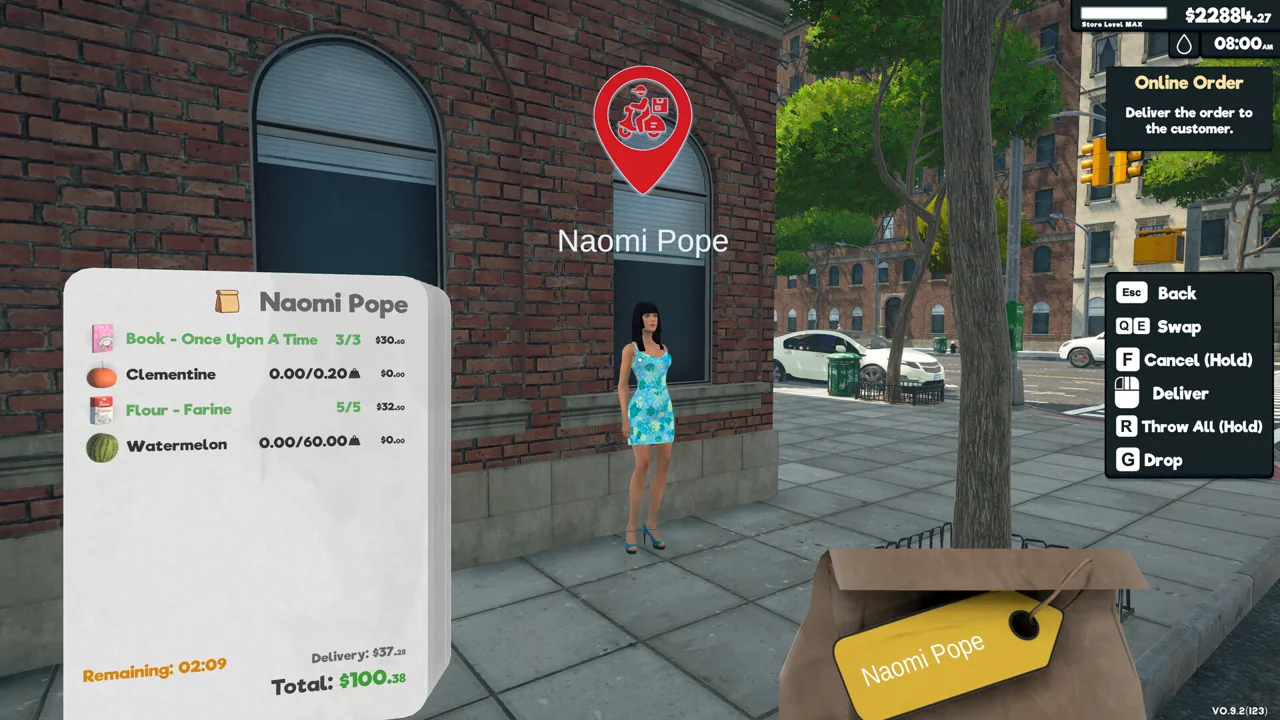
Use this filter when preparing an order instead of searching through every grocery category. It also gives you an in-game way to browse vending stock.
Product licenses still matter when planning your purchases. Bottled Water - Aoette belongs to Product License 1, which requires Store Level 3 and costs $200. At Store Level 9, Product Licenses 3 and 4 each cost $550, covering the listed early soda, juice, cake, candy, chocolate, and yogurt options.
Check your unlocked licenses before planning a wider assortment. For example, Soda - Ropico sits under License 17 at Store Level 42, while Cake - St Michmich belongs to License 28 at Store Level 81.
Where You Can Place Vending Machines
The Vending Machine DLC, released March 6, 2026, requires the base game. It adds restockable machines that operate throughout the city, extending your business beyond the supermarket.
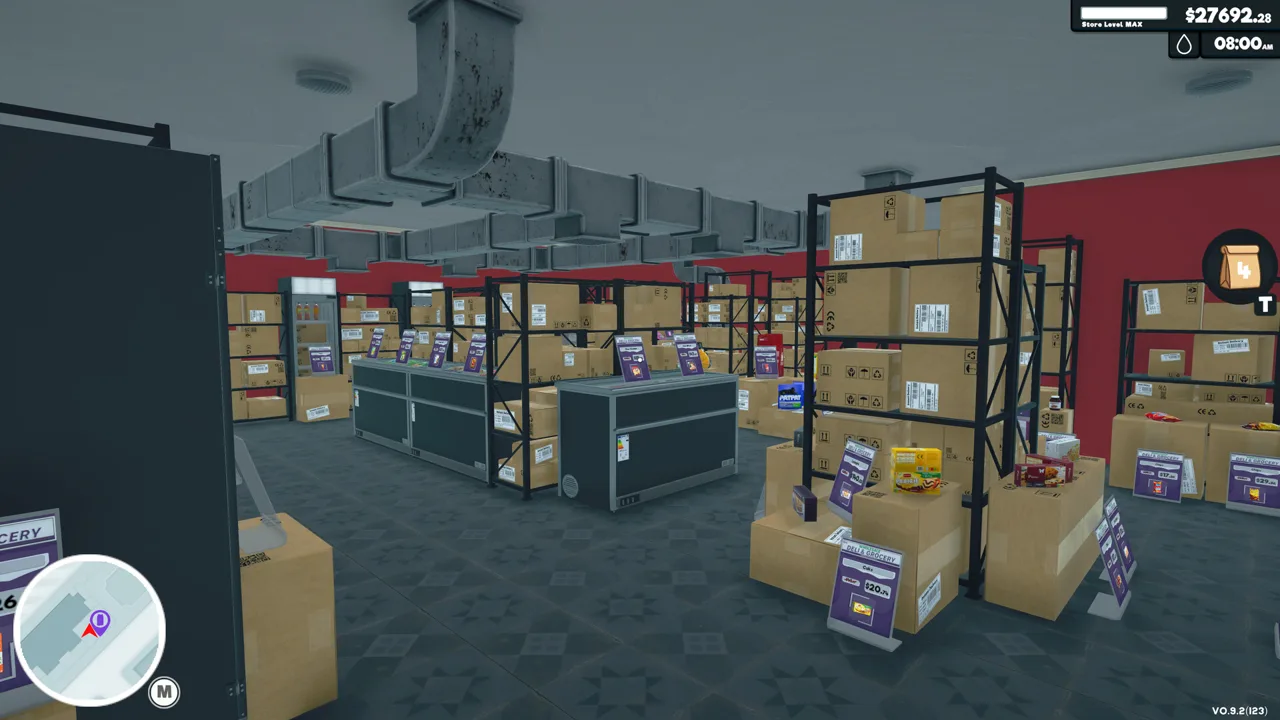 Image: Steam / Nokta Games
Vending machines cannot be placed inside your store. Plan their locations around the city rather than reserving space between your grocery aisles or beside an indoor checkout.
You can operate multiple machines at once, and they generate passive income while stocked. Choose visible city locations and organize your replenishment stops into a manageable route. Keep the number of machines within what you can regularly supply before expanding farther across town.
Plan Restocking Around Box Sizes and Purchase Costs
Compatible products arrive in different quantities. Soda boxes contain 24 items, bottled water boxes contain 16, and the listed yogurt boxes contain 30. Use those quantities when preparing your stock runs so your shopping list reflects how much inventory you are actually purchasing.
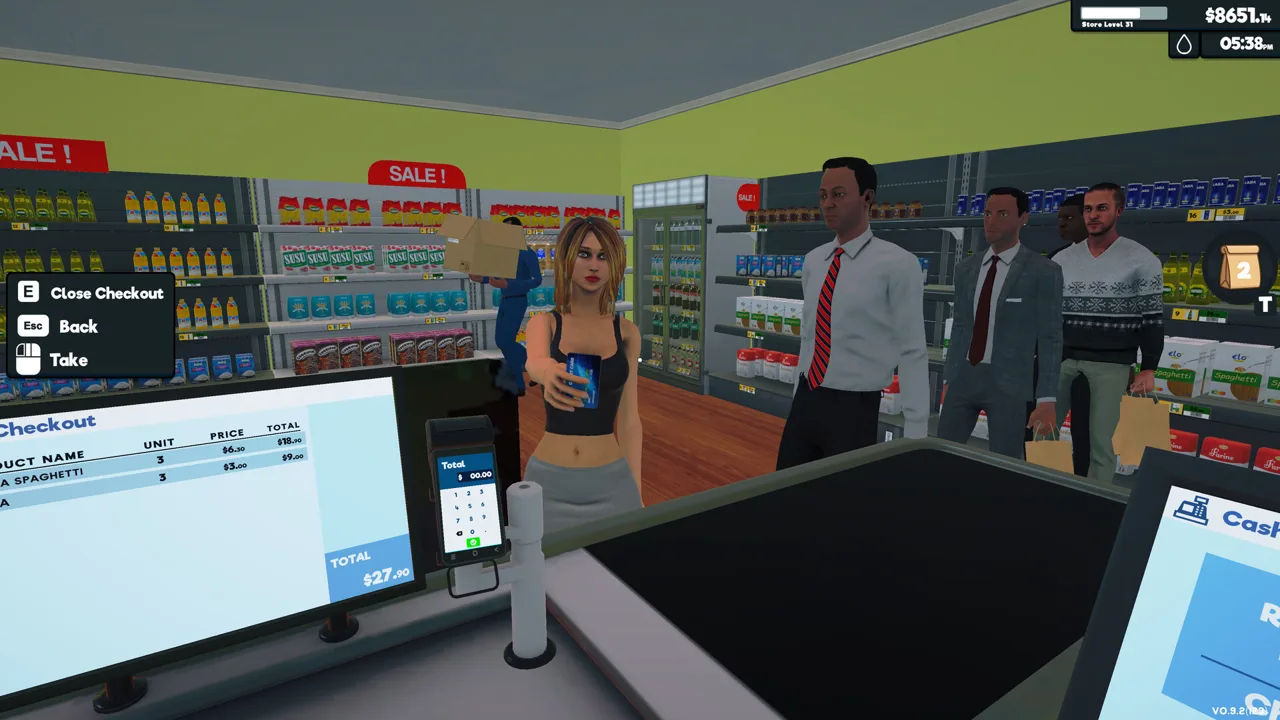 Image: Steam / Nokta Games
Keep brands and package types distinct in storage. Cake - Bon Papa is compatible, but Cake - Pépites is a separate product without the vending compatibility marker. Likewise, use the exact chip, chocolate, and yogurt names in the table when selecting supplies.
For products sold at local markets, compare pickup costs with computer orders. Manual pickup can improve the margin on stock, while ordering online saves the trip. Buy prices change, so calculate your purchase cost using the prices in your game.
Balance those savings against your delivery route. Pick up compatible groceries while already visiting a nearby market, and use computer orders when another shopping trip would interrupt replenishing your machines. Keep stock availability at the center of that decision: passive income depends on keeping the machines supplied.
Continue with
 Supermarket Simulator Can't Place Vending Machine: FixSupermarket Simulator can't place vending machine? Learn where machines can go, why indoor placement fails, and how to separate placement from co-op bugs.
More in Layout
Supermarket Simulator Layout Guide: Smarter Stores
Use this Supermarket Simulator layout guide to organize your shelves, clear checkout lines, plan storage, and align furniture with the Snap / Grid System.
Supermarket Simulator Store Layout: Shelves and Flow
Build a better Supermarket Simulator store layout with aligned shelves, clear checkout space, organized storage, and room for products as your shop grows.
Join the community
Official channels for news, updates and player help: