
Supermarket Simulator Can't Place Vending Machine: Fix
Supermarket Simulator can't place vending machine? Learn where machines can go, why indoor placement fails, and how to separate placement from co-op bugs.
Jump to
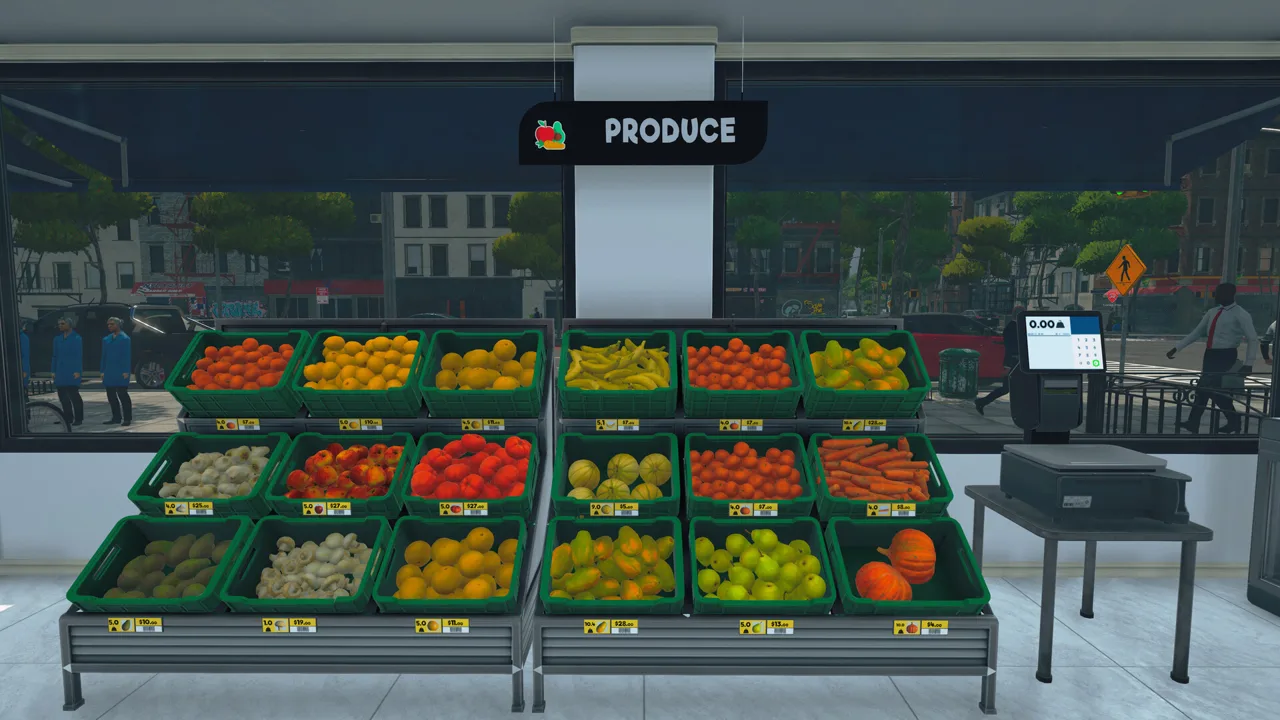
Why You Can't Place a Vending Machine Inside Your Store
The fix for “Supermarket Simulator can't place vending machine” starts with where you're trying to put it. Vending machines belong out in the city and cannot be placed inside your store. If you're clearing shelf space indoors, stop rearranging your aisles and take the machine outside.
That restriction applies to the machines in the Vending Machine DLC. Shelves and cabinets are part of your supermarket layout, while vending machines let you expand your business across the city.
The DLC requires the base game. If you're looking to add this feature, you can get the Supermarket Simulator Vending Machine DLC on Steam.
The expansion launched on March 6, 2026, with a listed Steam price of $4.99. It includes deployable vending machines alongside gameplay for managing their operations and collecting income. These are restockable business units rather than decorative supermarket furniture.
Plan Your Vending Locations Around Restocking
You can operate multiple vending machines around town, and they generate passive income while stocked. Placement is only part of the job: keeping those machines supplied matters, too.
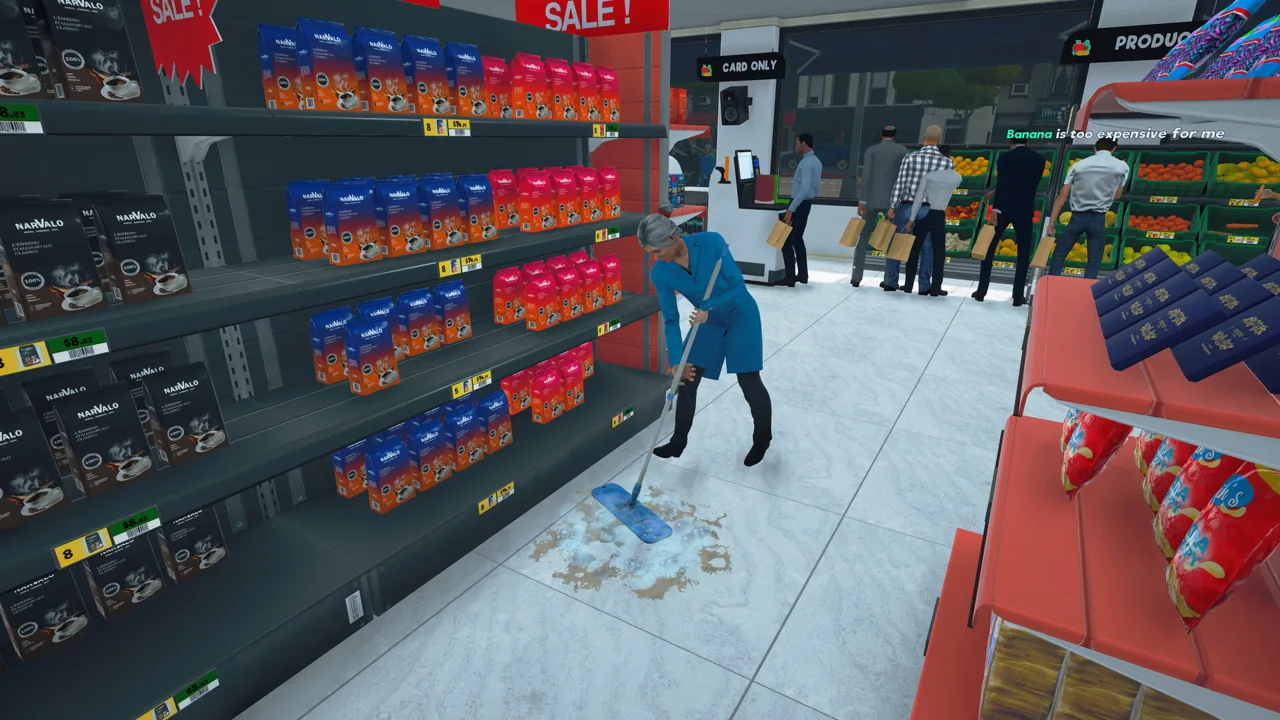 Image: Steam / Nokta Games
When planning your vending route:
- Choose city locations with visibility in mind. Position machines where customers can notice them.
- Plan how you'll keep each machine stocked. Consider the locations together before spreading your operation across town.
- Keep indoor floor space for supermarket furniture. Expanding or rearranging the store won't remove the vending machines' outdoor placement restriction.
Treat each machine as another stocking responsibility. An empty unit won't keep generating the income that a supplied machine does.
Separate Placement Problems From Co-op Restocking Problems
If the machine is already standing in the city but won't accept products, focus on stocking rather than placement.
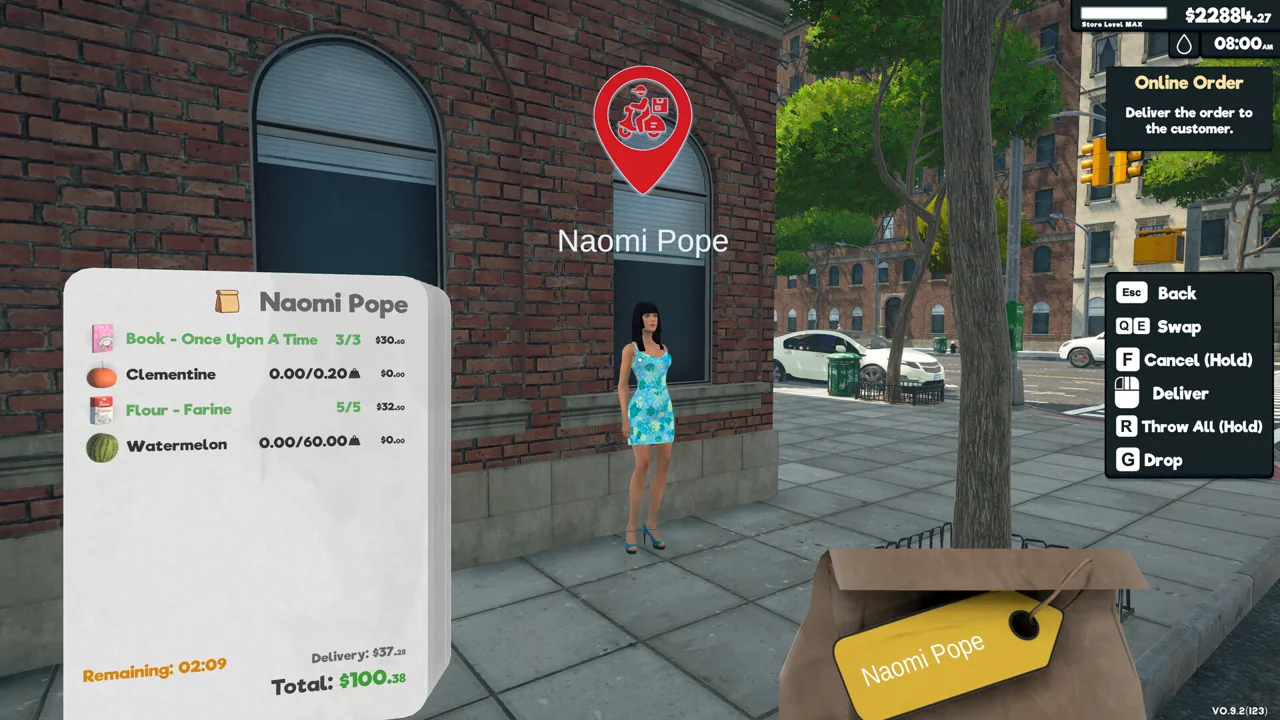 Image: Steam / Nokta Games
For a co-op client who can remove products but cannot add them, have the host try adding the same products. This can help keep the machine supplied when the host's stocking interaction works.
That symptom has occurred even when both players owned the DLC and the client originally placed the machine. Owning the content and successfully placing a unit don't necessarily resolve the stocking interaction.
In that case, the client couldn't add either previously stocked products or new ones, including cola bottles, while the host could still add products. Restarting the game and Steam, disabling and re-enabling the DLC, and validating game files did not resolve that particular multiplayer problem.
Avoid repeatedly moving a machine just because a client can't refill it. Test the host's interaction before changing its location.
Understand the Relevant Placement Updates
Two updates address nearby issues that can complicate troubleshooting:
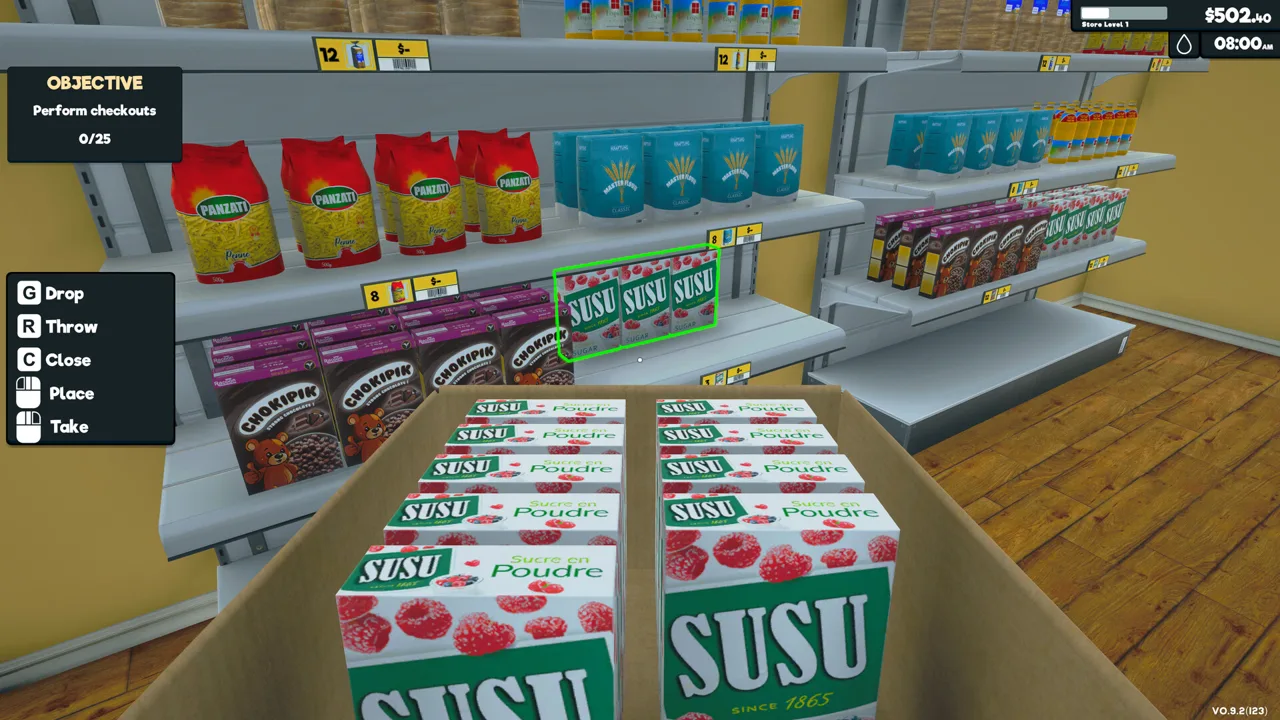 Image: Steam / Nokta Games
| Update | Relevant change |
|---|---|
| Patch 1.2.8 | Fixed a vending machine's minimap icon remaining behind after the machine was moved. |
| Patch 1.5.0 | Added the Snap / Grid System and adjusted some furniture dimensions, which could cause existing furniture to overlap. |
For furniture that overlaps after the grid update, reposition the affected pieces. The adjustable grid helps align shelves, racks, and other furniture during placement mode.
Patch 1.5.0 lets you enable the grid during placement and customize its size. It also adds a button-operated snapping function for joining furniture pieces together. Some furniture dimensions changed to fit that system, so an existing arrangement can develop clipping even without you deliberately moving its pieces.
Patch 1.2.8 also addressed boxes becoming uninteractable immediately after purchase and boxes becoming uninteractable inside vehicle trunks. It fixed restockers failing to collect vehicle boxes after loading a save, too. Keep those product-handling symptoms separate from a vending machine refusing its intended location.
For vending machines, distinguish the physical unit from its map marker. A leftover icon was a separate issue addressed in Patch 1.2.8; it isn't a reason to redesign your supermarket interior. Keep your vending placement attempts in the city, where those units are intended to operate.
Continue with
 Supermarket Simulator Layout Guide: Smarter StoresUse this Supermarket Simulator layout guide to organize your shelves, clear checkout lines, plan storage, and align furniture with the Snap / Grid System.
More in Layout
Supermarket Simulator Store Layout: Shelves and Flow
Build a better Supermarket Simulator store layout with aligned shelves, clear checkout space, organized storage, and room for products as your shop grows.
Supermarket Simulator Vending Machine Items List: All 27
Supermarket Simulator vending machine items list with all 27 compatible products, license levels, box sizes, and city placement tips for easier restocking.
Continue exploring
Supermarket Simulator Bakery: DLC Features and Tips
Explore the Supermarket Simulator bakery DLC, including its 15 products, ovens, baker settings, price, and patch fixes. Plan your store's next expansion.
Supermarket Simulator Beginner Guide: Start Strong
Use this Supermarket Simulator beginner guide to manage stock, set prices, hire staff, and expand without draining the cash you need to keep shelves full.
Join the community
Official channels for news, updates and player help: