
Supermarket Simulator Multiplayer: Co-Op Play Guide
Supermarket Simulator multiplayer lets you run a store with friends. Explore the co-op jobs, Windows and Mac support, and the cross-platform restriction.
Jump to
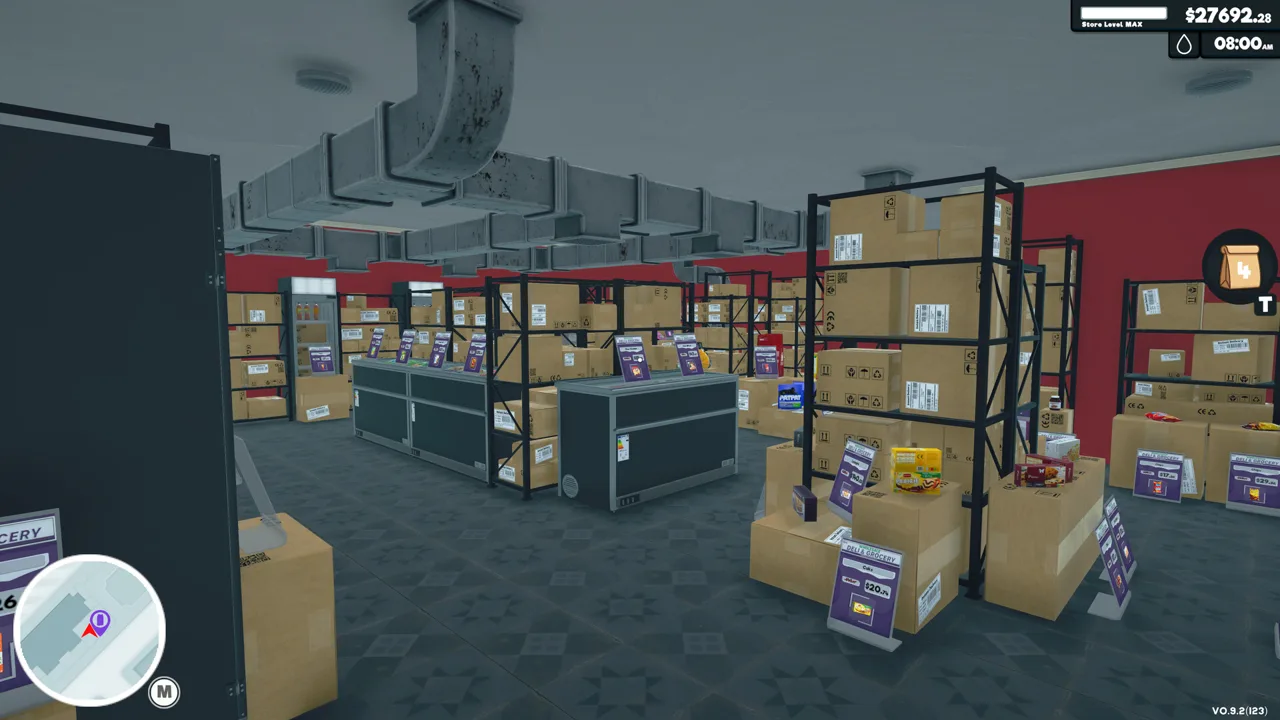
Does Supermarket Simulator Have Multiplayer?
Supermarket Simulator multiplayer lets you share the work of running a store, from scanning groceries to handling deliveries. You can team up with up to four friends and manage the supermarket together in real time. That gives you room to divide responsibilities instead of leaving the register unattended whenever a shelf needs restocking.
Nokta Games’ supermarket sim supports online co-op alongside single-player. The cooperative work includes stocking shelves, serving customers, preparing online orders, managing deliveries, setting prices, cleaning, driving trucks, and expanding the store.
The appeal is straightforward: someone can keep customers moving through checkout while someone else handles the growing pile of boxes. Your group still has to make the business decisions together, including what to buy and how much to charge.
Windows, Mac, and Cross-Platform Play
The Steam version supports Windows and macOS. It also includes full controller support, so keyboard and mouse aren’t your only control option.
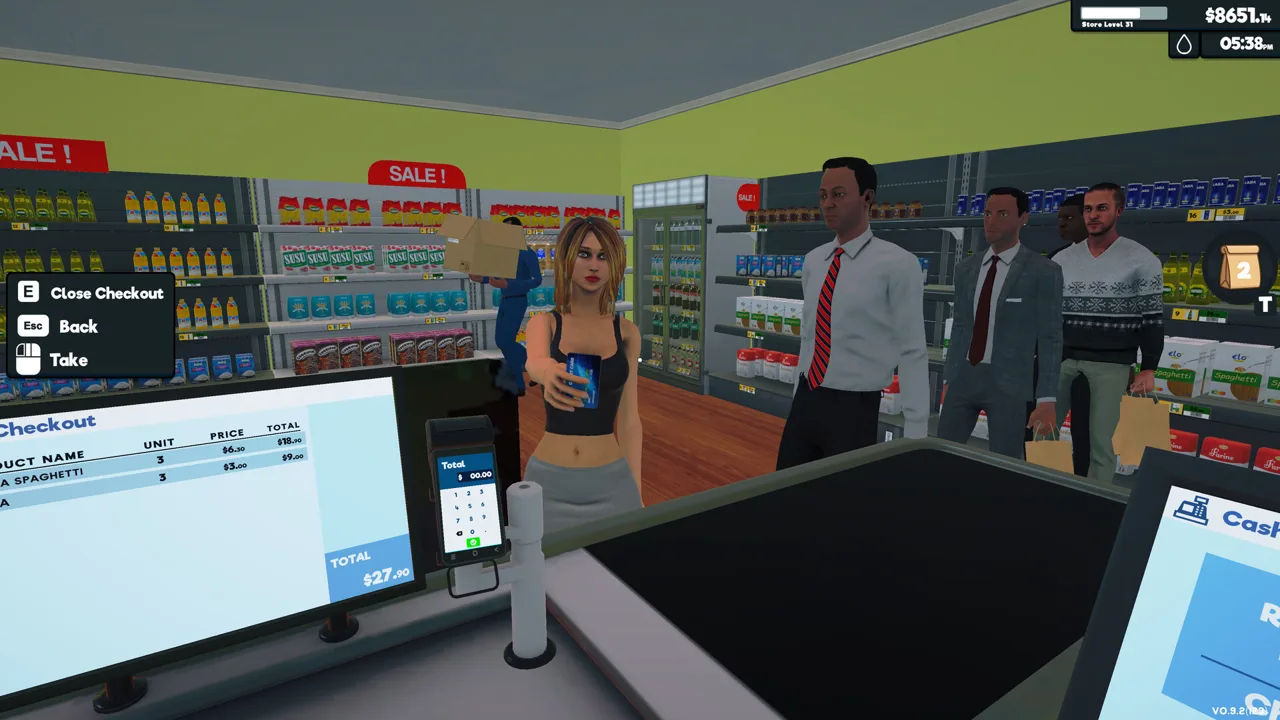 Image: Steam / Nokta Games
Platform compatibility matters when organizing a session. Version 1.1.2, released October 9, 2025, did not support cross-platform multiplayer. That hotfix added an error message when attempting to connect to a room created on another platform. For sessions running that build, keep everyone on the same platform.
The same update fixed a macOS connection error and addressed interface problems on ultrawide displays. Those fixes are separate from cross-platform support: resolving a Mac connection problem did not enable joining rooms across platforms.
Get the game through the Supermarket Simulator Steam page when organizing your PC group.
Divide the Store’s Jobs Before Opening
Assign responsibilities before customers arrive, then switch tasks when the workload changes. These are practical assignments for your group rather than character classes:
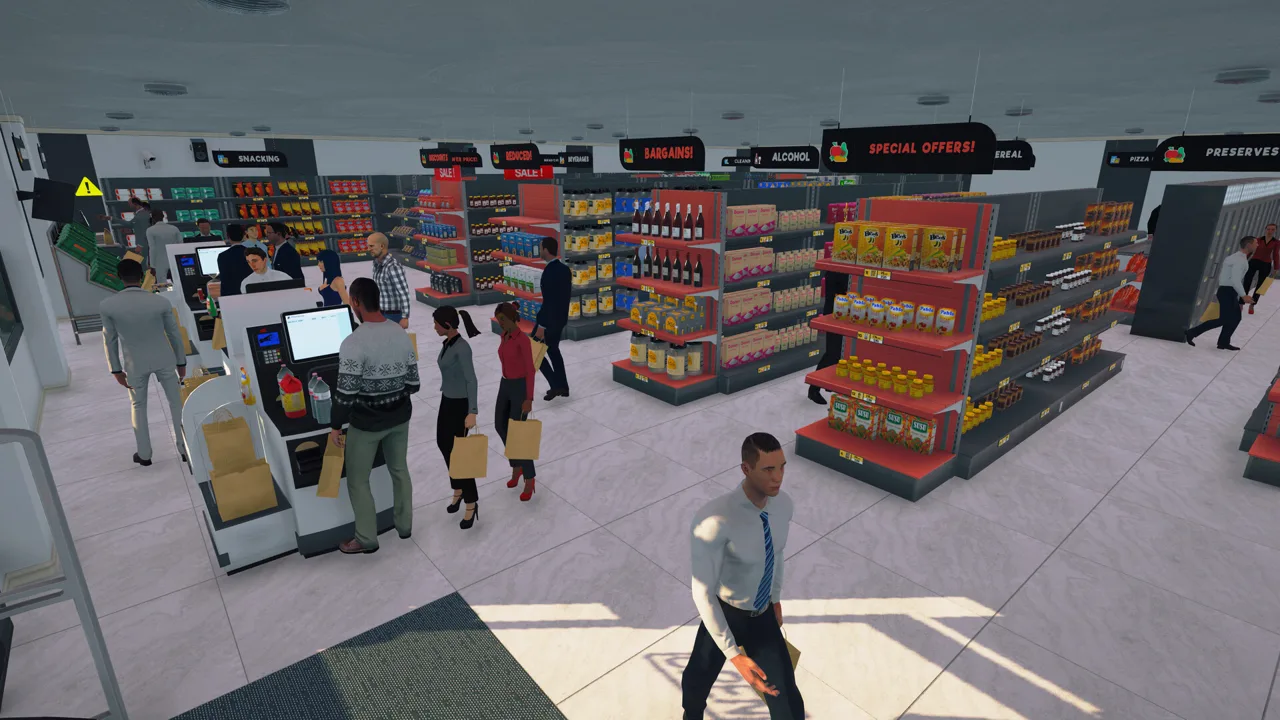 Image: Steam / Nokta Games
- Checkout: Scan purchases, accept cash or credit cards, and handle change.
- Stock and storage: Unpack deliveries, organize the storage room, and replenish shelves, refrigerators, and freezers.
- Purchasing and prices: Order inventory, compare local market deals, and adjust selling prices.
- Orders and upkeep: Prepare online orders, make deliveries, clean floors, empty trash, and wash windows.
With two people, start by splitting checkout and replenishment. Have the player handling stock take care of purchases between restocking runs. When more friends join, separate purchasing, deliveries, and cleaning so each person has a clear task.
Keep someone covering the store when another player heads into town. Local markets offer another way to purchase goods, while online customer orders require preparation and personal delivery.
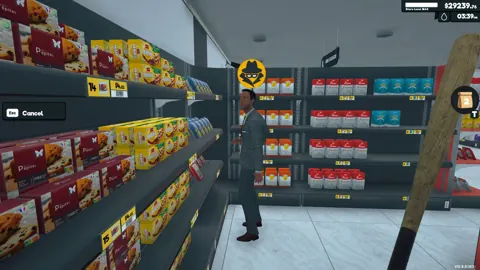
Coordinate security, too. The game includes shoplifters, cameras, alarm sensors, and security guards. Call out a theft before several teammates abandon their jobs to respond to the same incident.
Coordinate Spending, Prices, and Expansion
Extra hands help with daily work, but purchases still need a plan. Choose one person to coordinate inventory orders and have everyone report shortages before buying more. That keeps teammates from independently ordering the same products.
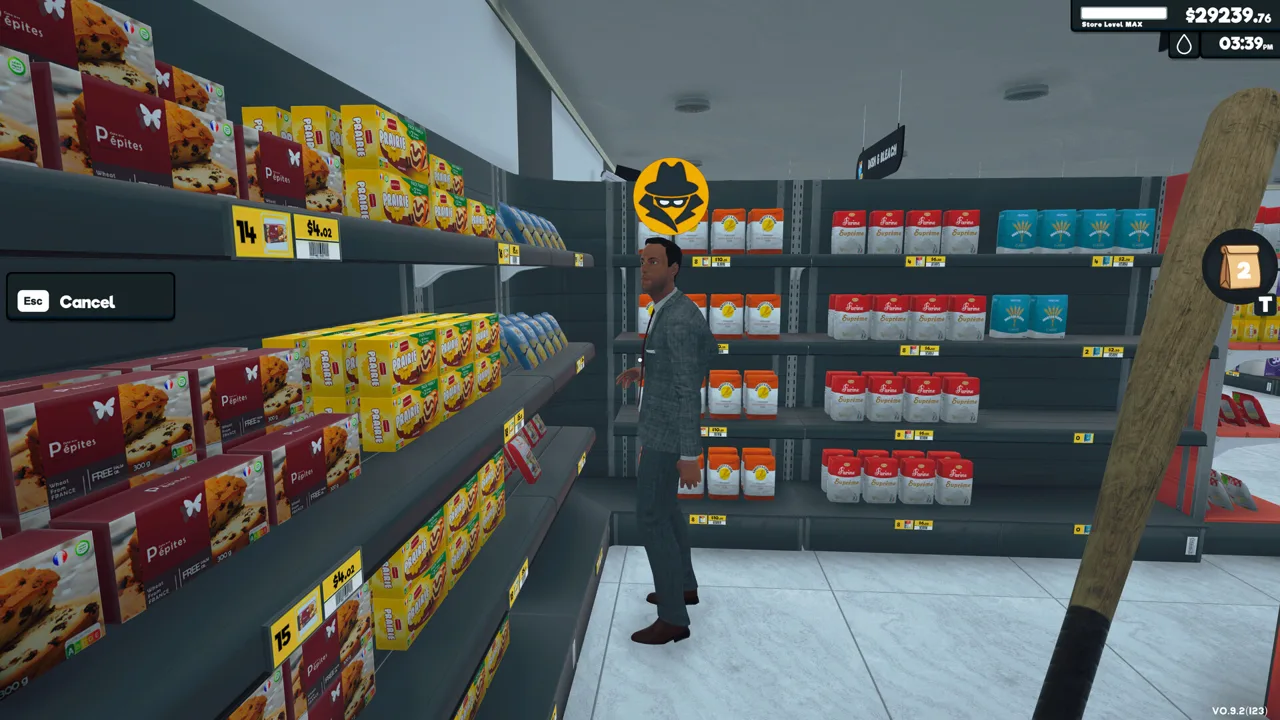 Image: Steam / Nokta Games
Separate a low shelf from a low supply. Check storage before placing an order, then restock existing inventory before committing more money to replacements.
Prices deserve the same coordination. Product costs change, and selling prices affect the balance between customer satisfaction and profit. Agree on a pricing approach before opening rather than repeatedly changing each other’s price tags.
Before spending on an expansion or a new look, account for inventory, bills, and loan payments. Paint and additional floor space compete with the money needed to keep products available.
Use the layout to support your division of labor. Place shelves and cabinets deliberately, organize aisles around customer movement, and leave practical routes between storage and product displays. Rearrange fixtures together before opening so the person stocking groceries and the person running checkout both know where everything belongs.
Continue with
 Supermarket Simulator PS5: Release Date and EditionsSupermarket Simulator PS5 launches November 12, 2026. Compare digital and physical editions, explore store management, and get ready for online co-op play.
Continue exploring
Supermarket Simulator Beginner Guide: Start Strong
Use this Supermarket Simulator beginner guide to manage stock, set prices, hire staff, and expand without draining the cash you need to keep shelves full.
Supermarket Simulator Tips and Tricks for Beginners
Supermarket Simulator tips and tricks to manage stock, set prices, hire staff, use couriers, and grow your store without draining your cash. Start smarter.
Join the community
Official channels for news, updates and player help: