
Supermarket Simulator PS5: Release Date and Editions
Supermarket Simulator PS5 launches November 12, 2026. Compare digital and physical editions, explore store management, and get ready for online co-op play.
Jump to
When Does Supermarket Simulator Release on PS5?
Your checkout shift is almost here: the Supermarket Simulator PS5 digital release is scheduled for November 12, 2026. The physical Fully Stocked Edition follows on December 4, so your edition choice determines when you can start running your store. You can wishlist the digital version ahead of launch.
The scheduled digital release time is 4:00 p.m. UTC. Head to the Supermarket Simulator PlayStation Store page to add it to your wishlist.
The PlayStation launch comes after the game's June 2025 Steam release. Keep these dates separate when choosing your version:
| Version | Release date |
|---|---|
| Steam | June 19, 2025 |
| PS5 digital | November 12, 2026 |
| PS5 physical Fully Stocked Edition | December 4 |
Digital Release or Fully Stocked Edition?
The digital release gets you behind the register in November. The Fully Stocked Edition arrives later as a physical PS5 disc, priced at $29.99.
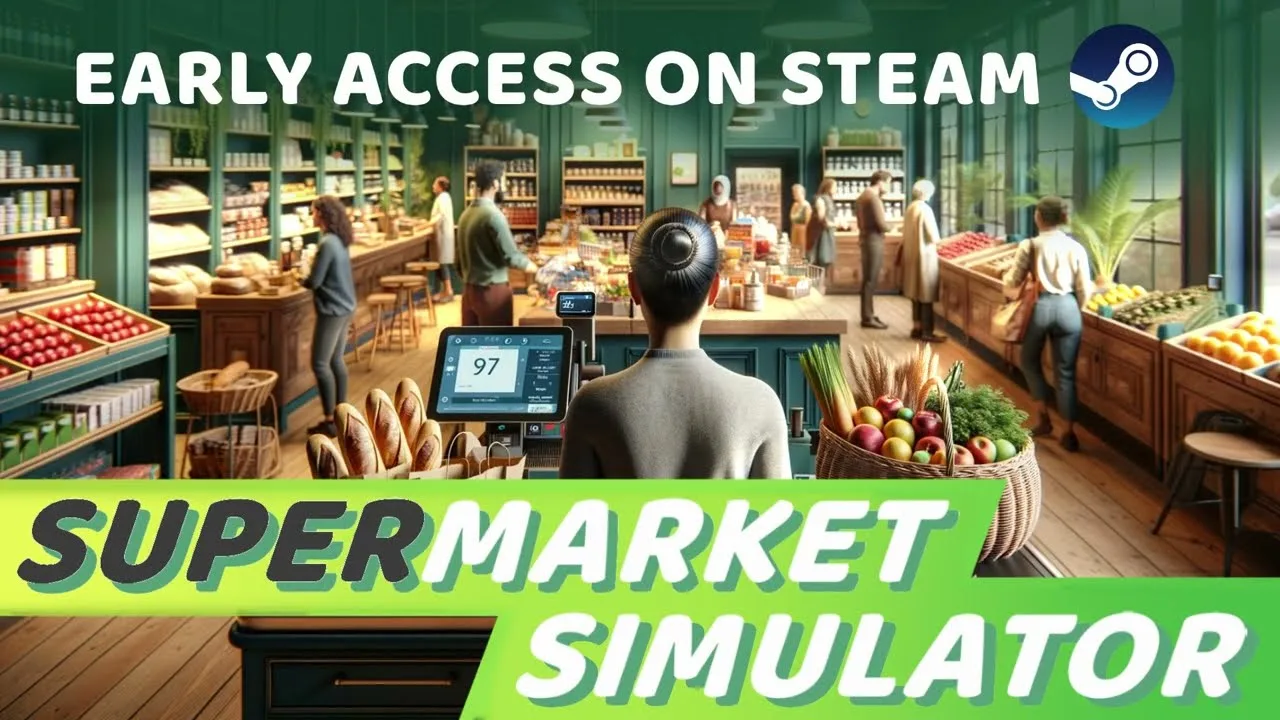
That physical package includes the base game and DLC packs that expand the available product lines and departments. Choose the November digital release if starting sooner matters to you, or wait for the December package if you want the disc and bundled extras.
The PS5 game carries the same name as Nokta Games' supermarket sim. Use the linked PlayStation page when wishlisting so you select this release among similarly named retail games.
What You'll Actually Do in Your Store
This is a first-person management game where running the business means handling its everyday work yourself. You'll order products, unpack deliveries, fill shelves and refrigerated displays, and scan purchases at checkout.
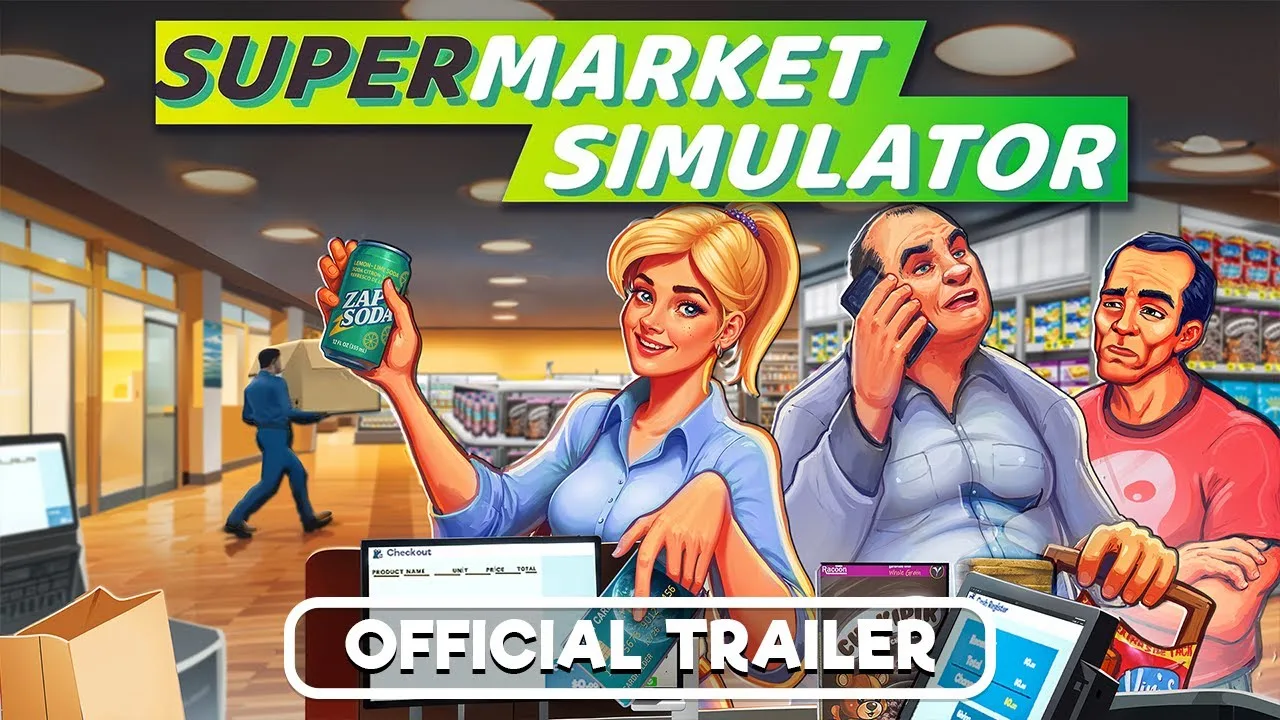
The management side sits behind those hands-on jobs. Product costs fluctuate, and you control selling prices, store layout, expansion, and staffing. Balance your margins against customer satisfaction rather than raising prices without considering the response.
Your responsibilities include:
- Stock and storage: Order goods through the in-game computer, organize your storage room, and replenish displays.
- Checkout: Scan products and process both cash and credit card payments.
- Layout and decoration: Position shelves and cabinets, change flooring and wall colors, and add category signs.
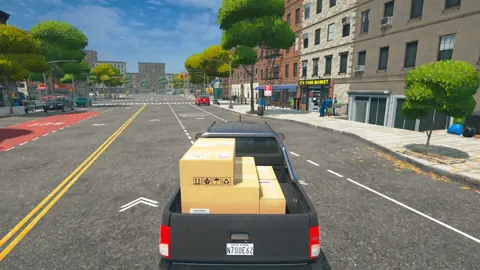
- Deliveries: Pack online orders and deliver them to customers around town.
- Local shopping: Visit nearby markets to look for discounted stock.
- Maintenance and security: Clean floors and windows, remove trash, and use cameras, alarm sensors, or security guards against shoplifters.
Compare local market deals with ordering stock before spending your store's money. When you expand, plan the placement of displays and aisles alongside the extra selling space. More room gives you more layout options, but the goal is still a store customers can move through comfortably.
Single-Player, Online Co-op, and PS Plus
You can run the supermarket solo or share the workload through online co-op. Multiplayer brings stocking, checkout, deliveries, cleaning, and pricing into a shared business.

Split responsibilities before tackling the day's work: assign checkout, replenishment, and delivery duties so everyone has a clear job. Those roles follow directly from the tasks you'll be juggling together.
PS Plus is required for online play. Choose single-player when you want to run the store yourself, or go online to share the work.
Controls, Manual Saves, and Accessibility
On PS5, you have adjustable stick sensitivity, control reminders, tutorial reminders, and manual saving. Revisit the control prompts while learning checkout and stock handling, and adjust sensitivity to suit how you move around the store.
Audio options include individual volume controls and 3D audio. Turn down specific audio channels rather than muting everything if you want a quieter session.
You can pause during offline gameplay, and manual save points let you return to where you left off. Use a manual save before ending your session, especially after reorganizing displays or completing a round of store improvements.
Continue with
 Supermarket Simulator Multiplayer: Co-Op Play GuideSupermarket Simulator multiplayer lets you run a store with friends. Explore the co-op jobs, Windows and Mac support, and the cross-platform restriction.
Continue exploring
Supermarket Simulator Bakery: DLC Features and Tips
Explore the Supermarket Simulator bakery DLC, including its 15 products, ovens, baker settings, price, and patch fixes. Plan your store's next expansion.

Supermarket Simulator Beginner Guide: Start Strong
Use this Supermarket Simulator beginner guide to manage stock, set prices, hire staff, and expand without draining the cash you need to keep shelves full.
Join the community
Official channels for news, updates and player help: