Supermarket Simulator Bakery: DLC Features and Tips
Explore the Supermarket Simulator bakery DLC, including its 15 products, ovens, baker settings, price, and patch fixes. Plan your store's next expansion.
Jump to
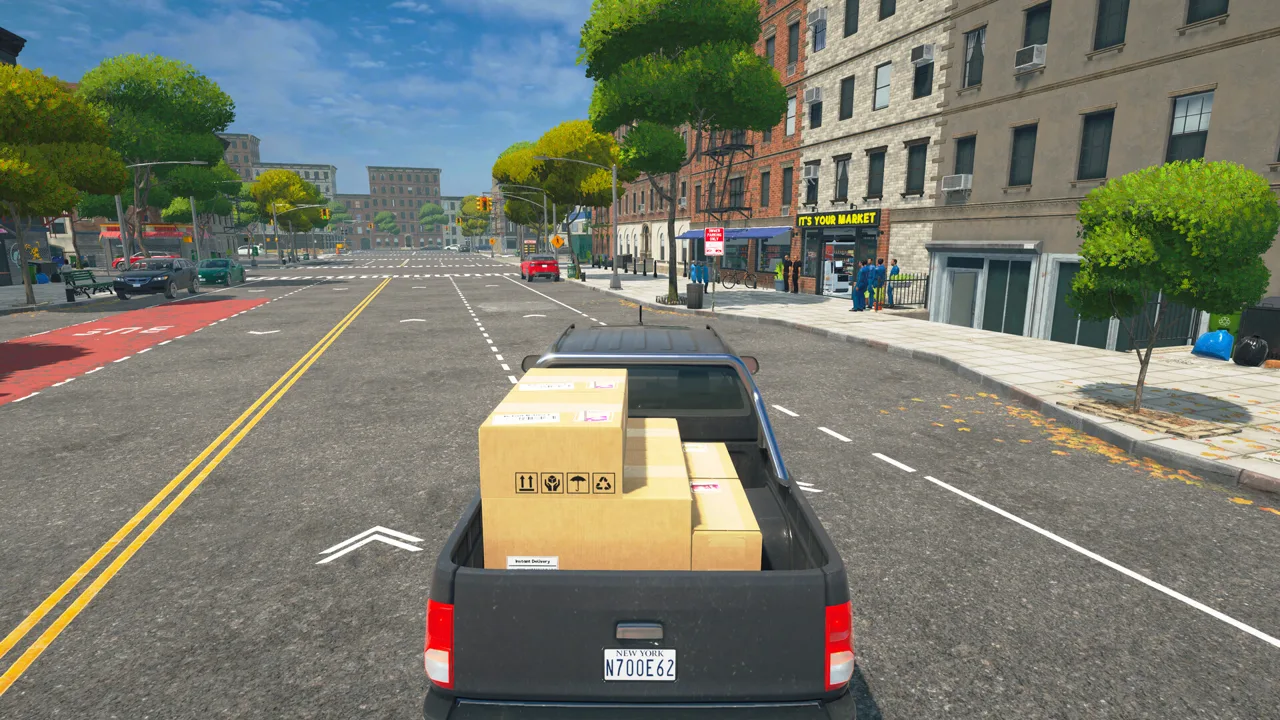
What Does the Bakery DLC Add?
Fresh croissants give you another reason to rearrange those aisles. The Supermarket Simulator bakery DLC adds baking inside your store, bringing food preparation into your usual routine of ordering, stocking, and selling. Alongside the new products, you get an oven, dedicated displays, and a baker you can hire to help handle production.
The expansion includes:
- 15 new products, including croissants, cookies, muffins, and pretzels.
- A functional oven for baking goods in your supermarket.
- A hireable baker to help manage baking.
- 2 new display shelves for your bakery section.
This is paid downloadable content from Nokta Games, and it requires the base game.
- Release date: March 6, 2026.
- Price: $6.99 on Steam.
- Platforms: Windows and macOS.
- Play modes: Single-player and online co-op.
You can purchase the Bakery DLC on Steam. The appeal is the extra work behind each display: you can prepare and bake goods inside the supermarket instead of simply unpacking finished stock.
Plan Your Oven and Display Space
Build the department around the connection between production and selling space. An oven adds another task to manage, while the new displays give the finished products somewhere to go.
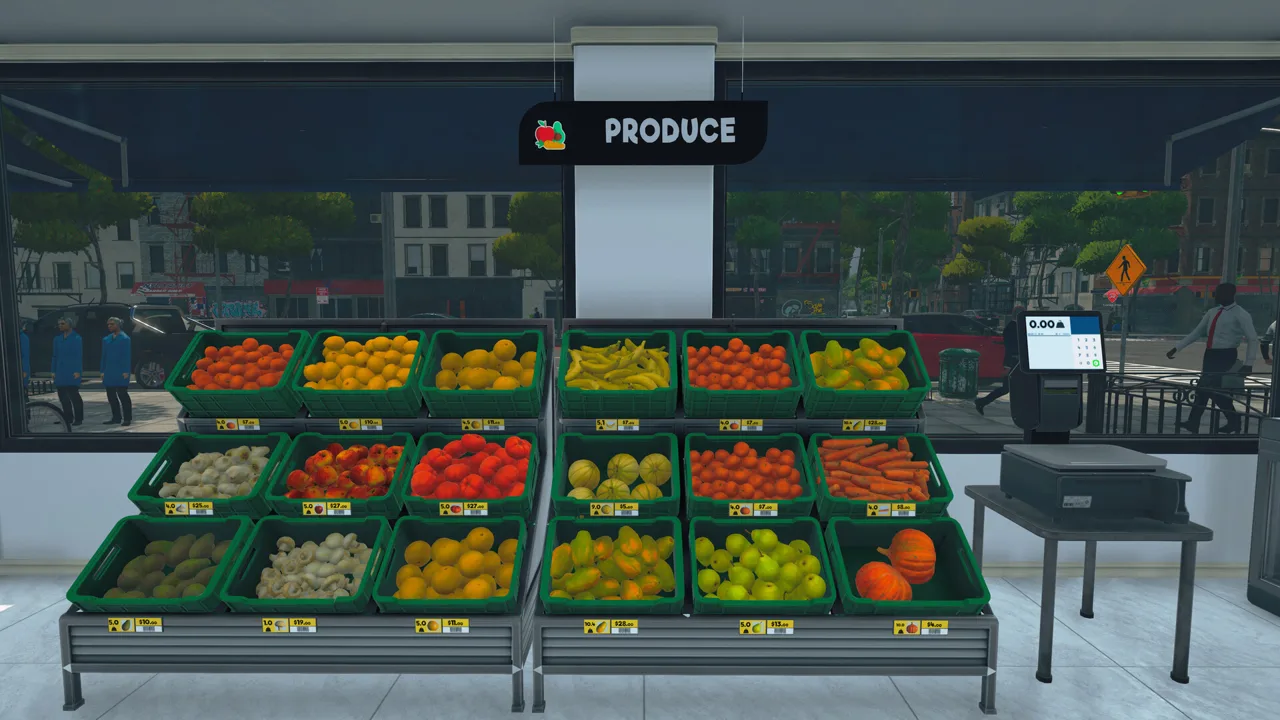 Image: Steam / Nokta Games
Before committing to a larger bakery section:
- Choose space for both baking and display furniture. Use the game's movable furniture to arrange the department around your existing aisles.
- Leave clear routes through the section. Keep the oven and displays accessible while preserving room to move around the store.
- Match orders to available display space. Check how much room each product has before buying more.
- Expand after watching sales. Let the products already on display guide which items receive more space.
Keep storage capacity and display capacity separate when planning purchases. Having room for extra boxes does not give finished baked goods more room on the sales floor.
If a baker is holding finished goods while that product's display is full, let customers clear space before ordering more of the same item. Avoid adding to the backlog while you work out how much the department can sell.
Adjust the Baker's Work Settings
Open Management, select Hiring, and scroll down to the baker's settings. The available controls cover working status, filling the oven, emptying the oven, and restricting placement to shelves that already have labels.
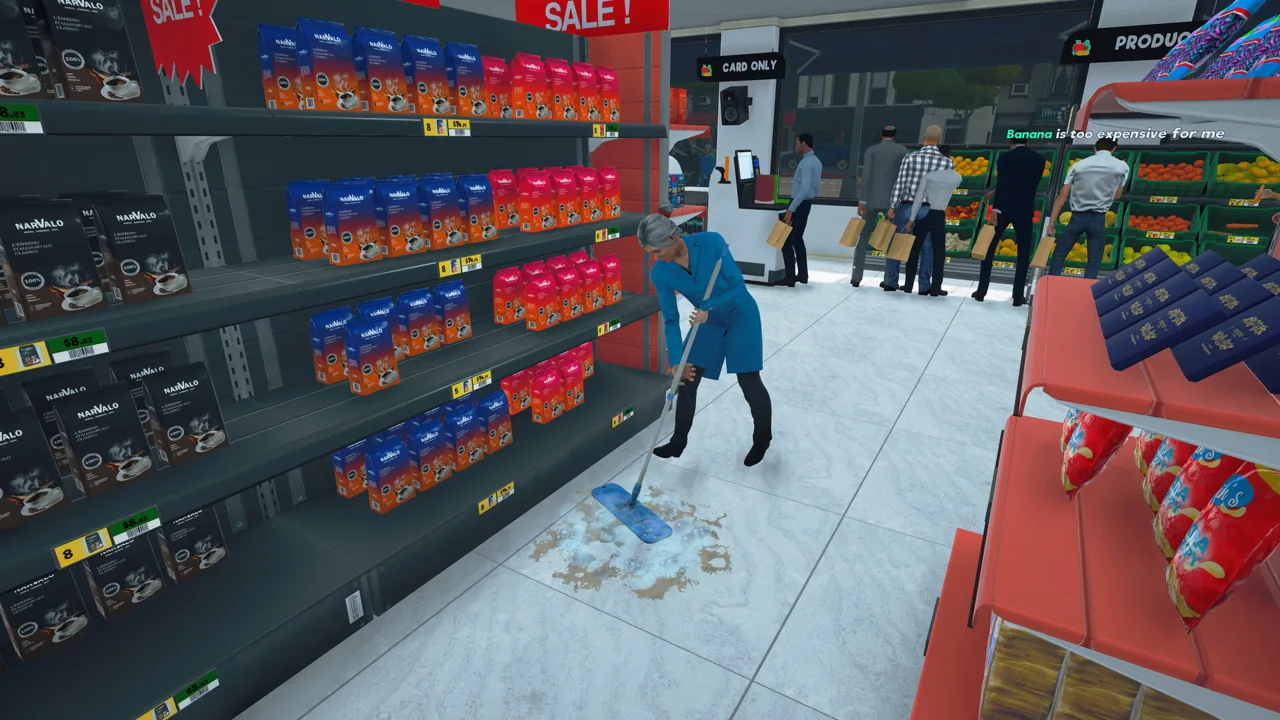 Image: Steam / Nokta Games
Use these controls to narrow the baker's responsibilities:
- Review the oven-filling setting when adjusting how much baking work the employee handles.
- Review the oven-emptying setting when dividing tasks between yourself and the baker.
- Enable labeled-shelf placement when you want baked goods placed only in designated display locations.
Give each product a clear place before relying on that last setting. A restriction to labeled shelves makes your display assignments part of the baker's workflow.
Watch a production cycle after changing settings. Check what enters the oven, what comes out, and where the finished goods go before increasing orders.
Bakery Fixes and Useful Management Tools
Several updates have addressed bakery behavior and related inventory handling:
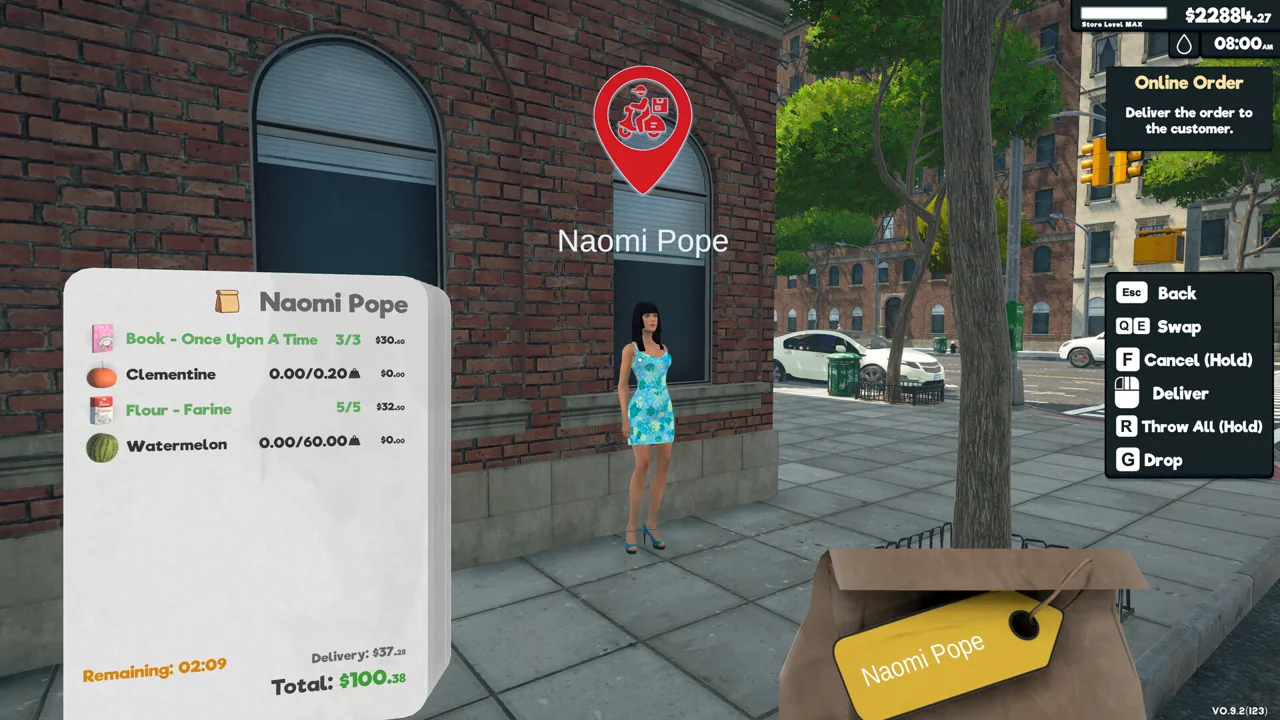 Image: Steam / Nokta Games
- Patch 1.2.6 fixed the baker's speech text being invisible to multiplayer clients and an issue that allowed the baker to put a vegetable peeler in the oven.
- Patch 1.4.0 added crate-handling and Baker NPC optimizations, fixed a Baker crate issue, and optimized oven products.
Patch 1.4.0 also introduced tools that help organize a growing product range. Purchased licenses can be toggled on or off; products linked to inactive licenses disappear from the Market and Pricing screens without losing purchase progress.
Use those toggles to declutter your ordering and pricing menus. When carrying a box, use the Product Locator highlights to find displays or racks that already contain the matching product.
Continue exploring
Supermarket Simulator Tips and Tricks for Beginners
Supermarket Simulator tips and tricks to manage stock, set prices, hire staff, use couriers, and grow your store without draining your cash. Start smarter.
Supermarket Simulator PS5: Release Date and Editions
Supermarket Simulator PS5 launches November 12, 2026. Compare digital and physical editions, explore store management, and get ready for online co-op play.
Join the community
Official channels for news, updates and player help: