
Supermarket Simulator How to Catch Shoplifters Guide
Supermarket Simulator how to catch shoplifters: learn to spot thieves, use the bat, set up cameras and alarms, and hire guards to recover the stolen stock.
Jump to
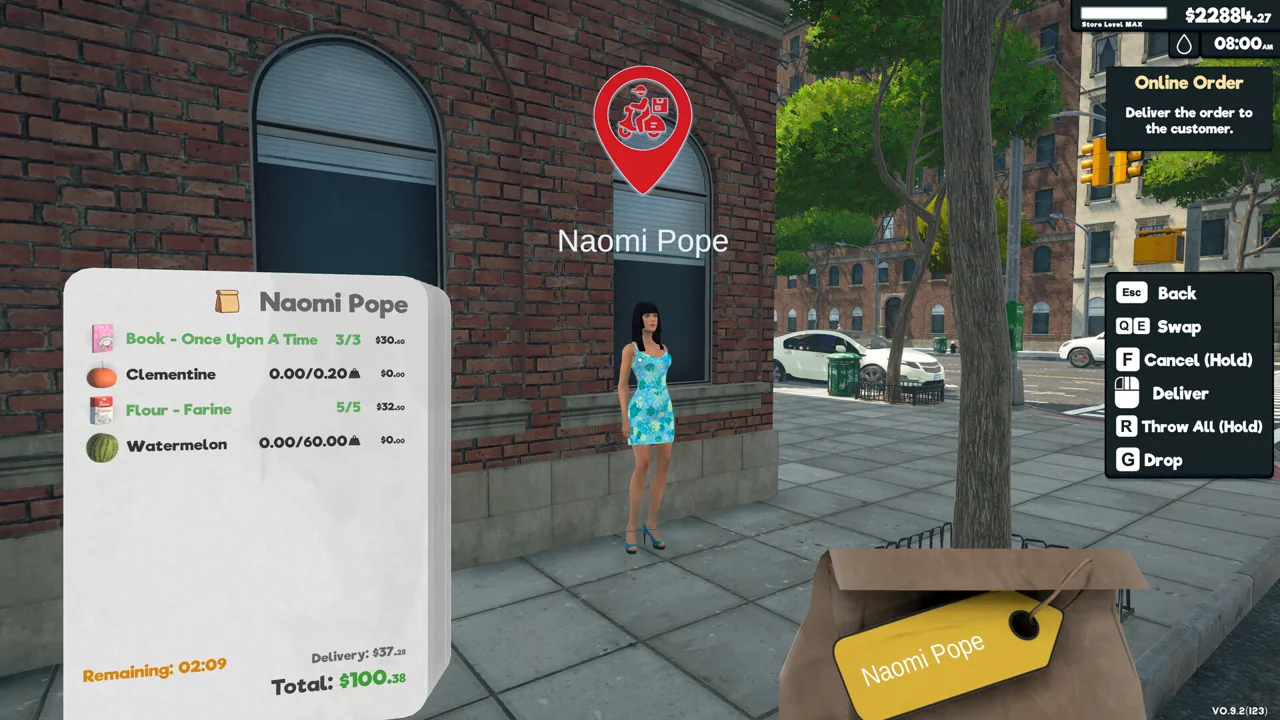
How to Catch Shoplifters With the Bat
Catching a shoplifter lets you recover stolen products and put them back on sale. If you’re figuring out in Supermarket Simulator how to catch shoplifters, use the bat to stop an identified thief yourself, or hire a security guard to handle the job. Cameras and a doorway alarm help identify thieves while you’re managing the rest of the store.
To catch one manually:
- Get the bat from Tools on the in-game computer. Unequip it before trying to use the computer again.
- Identify someone stealing. Watch for a suspicious look-around animation near the shelves, a thief icon from a security camera, or an alert from the doorway scanner.
- Approach the identified shoplifter and hit them with the bat. They drop the products they stole.
- Collect the dropped goods and return them to the shelves.
You can stop a thief inside the store once you identify them; you don’t have to wait for the doorway alarm.
Watch shoppers who are taking products without carrying a shopping bag. Use that behavior as a reason to look closer, then watch for the stealing animation or a security marker before swinging. That gives you something more useful to act on than a customer simply standing near a shelf.
Official page: Supermarket Simulator (supermarketsimulator.com)
Use Cameras and a Security Antenna to Identify Thieves
Security cameras and the security antenna help you spot theft at different points during a customer’s visit. Detection equipment flags the thief; you or a security guard still need to stop them.
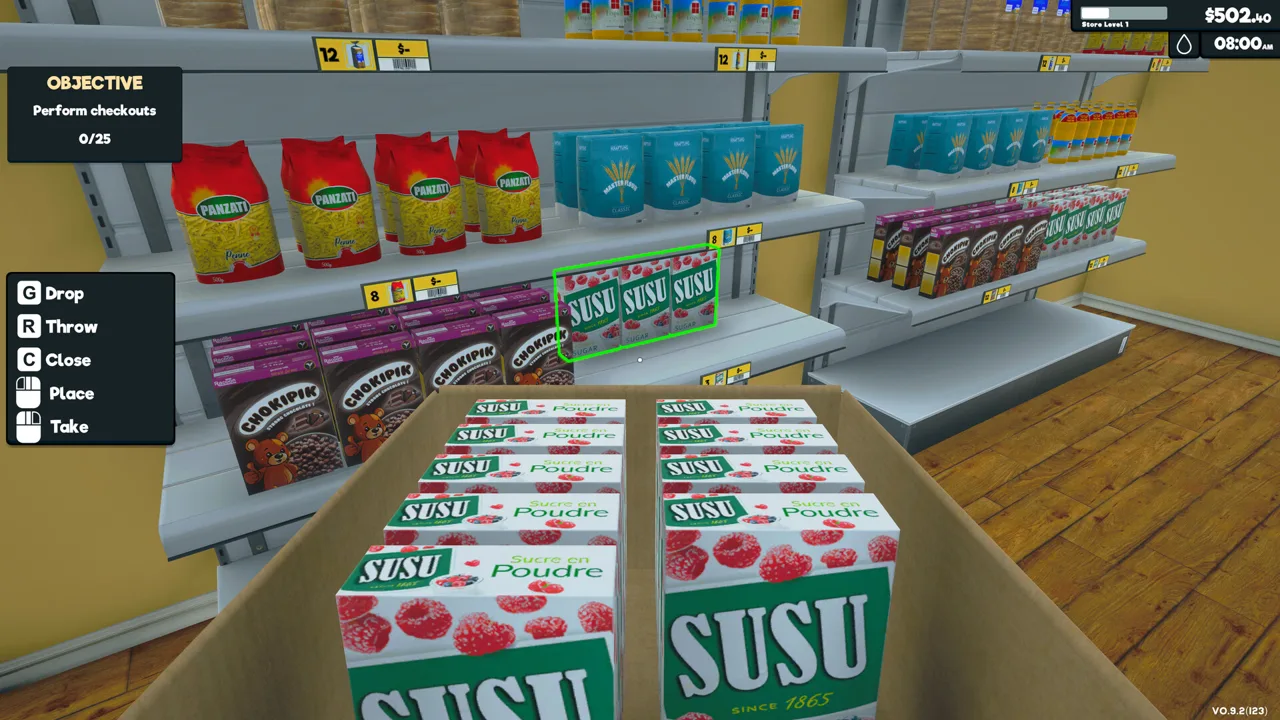 Image: Steam / Nokta Games
Buy cameras and the security antenna through the furniture options on the store computer. These are placeable security equipment, while the bat is a tool you equip and the guard is an employee you hire.
Security Cameras
Security cameras place an icon above an identified thief. That makes them useful for spotting someone while they’re still shopping, rather than waiting until they reach the exit.
Position cameras with a clear view of the shopping area. Adjust their view during placement so you can watch the shelves where customers collect products. Revisit the arrangement when you move shelving or expand the store.
When an icon appears, approach the marked customer with your bat ready. If you’re handling security yourself, act while you still have the thief in sight.
Security Antenna
The security antenna is the doorway scanner. It checks people as they leave, sounds a loud alarm when it detects a thief, and identifies that customer.
One security antenna purchase includes both sides of the doorway scanner in a single unit. Buy one unit for that doorway setup rather than purchasing a separate antenna for each side.
Place it in the doorway where customers exit. Keep your bat available so you can respond when the alarm sounds, or let your hired guard handle the interception.
The antenna provides an exit alert, while cameras help identify thieves earlier inside the store. Use those signals to decide whom to approach.
Hire a Security Guard to Catch Thieves and Restock Goods
Open the computer, go to Management → Hiring, and select the security guard.
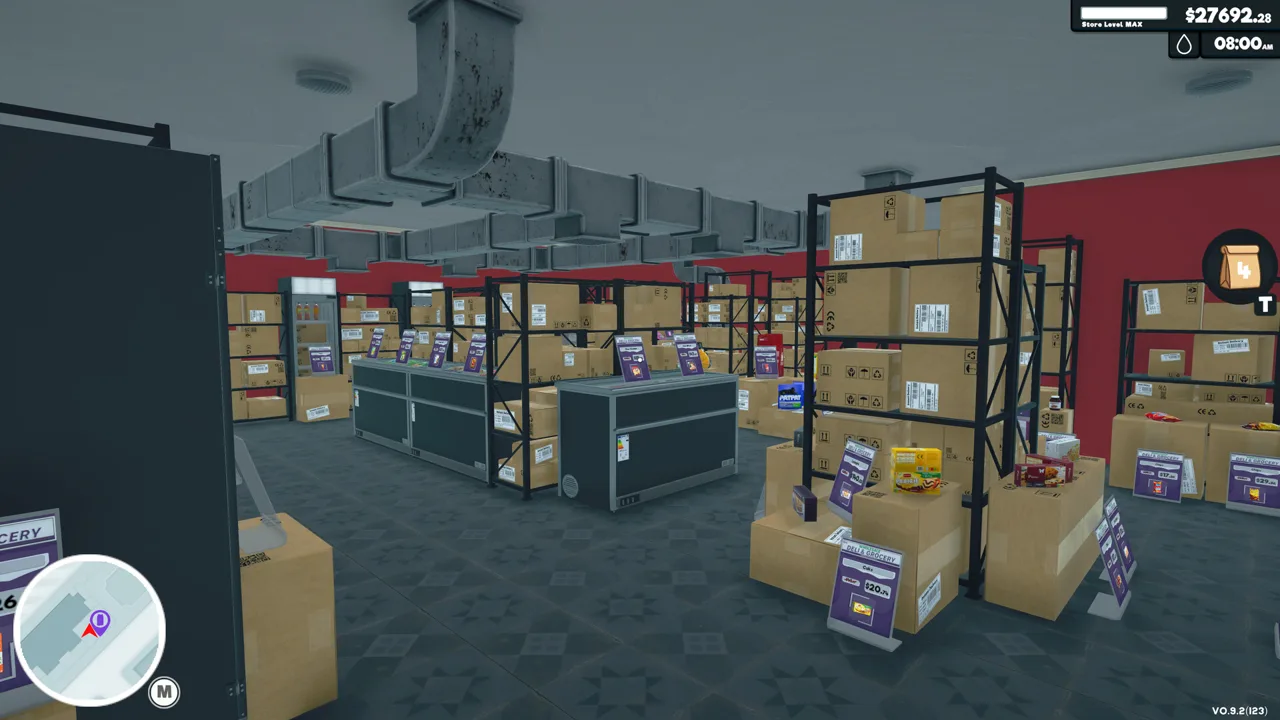 Image: Steam / Nokta Games
The guard handles catching shoplifters and returns recovered stolen products to the shelves. That second task matters when you’re already juggling checkout, stocking, and deliveries: handling theft manually also leaves you responsible for picking up the dropped merchandise.
Hire a guard when you want to delegate both interception and cleanup. Keep cameras and the doorway antenna positioned to identify thieves, and watch an encounter after hiring so you can see the guard respond.
If an identified thief is still moving through the store, keep watching until the guard intervenes. Carry the bat when you want to remain ready to handle the encounter yourself.
Continue with
 Supermarket Simulator Staff Guide: Hiring and BoostsUse this Supermarket Simulator staff guide to manage hiring, employee levels, wages, Boosts, restocker settings, and couriers while keeping costs in check.
Continue exploring
Quick links

Supermarket Simulator Beginner Guide: Start Strong
Use this Supermarket Simulator beginner guide to manage stock, set prices, hire staff, and expand without draining the cash you need to keep shelves full.
Supermarket Simulator Mods: 8 Useful Picks Explained
Explore Supermarket Simulator mods for stock tracking, automatic pricing, faster checkout, and store makeovers, with tips for choosing your next download.
Supermarket Simulator Can't Place Vending Machine: Fix
Supermarket Simulator can't place vending machine? Learn where machines can go, why indoor placement fails, and how to separate placement from co-op bugs.
Supermarket Simulator How To Change Price: Pricing Guide
Supermarket Simulator how to change price: edit shelf tags, use the Pricing App and bulk tools, and adjust prices to protect profit as market values shift.
Join the community
Official channels for news, updates and player help: